Built for agency teams
Purpose-built for HighLevel client reporting.
Agency Dash Pro
Connect authorized HighLevel accounts, choose a polished dashboard template, and embed a reporting experience your clients can understand—without rebuilding reports account by account.
Built for agency teams delivering clear, branded reporting in HighLevel.
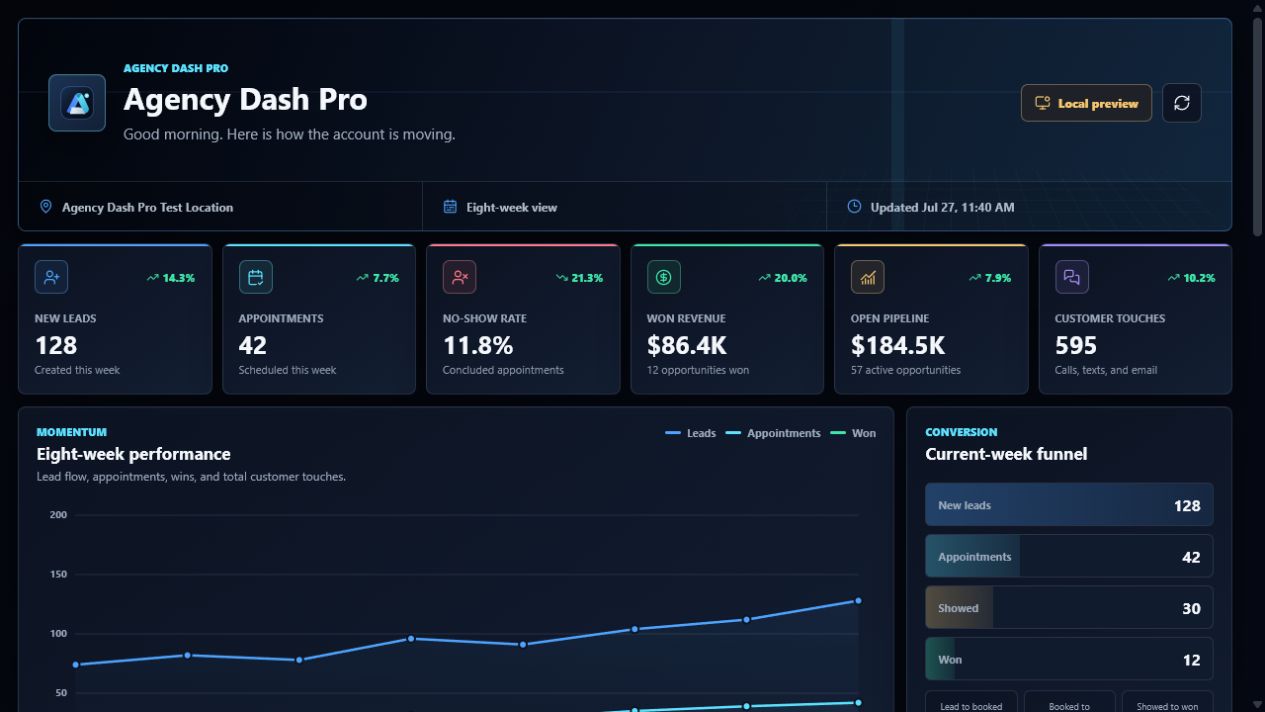
The Agency Dash Pro foundation
Give each sub-account a dashboard experience that feels intentional from the first login—while keeping the source, template, and delivery workflow organized for your team.
Explore the productPurpose-built for HighLevel client reporting.
A polished reporting experience inside the client account.
Connections, templates, and delivery in one workspace.
Reporting access without CRM record edits.
The reporting handoff
Agency Dash Pro keeps the connected account, dashboard template, visual presentation, and embed workflow in one deliberate system. Your team gets structure behind the scenes; your client gets a clean destination for the numbers that matter.
Explore the productConnect an authorized HighLevel account.
Select a dashboard template that fits the reporting goal.
Copy one stable embed into the client experience.
Designed for the people delivering the report
Turn approved account data into a clear reporting destination that clients can recognize and revisit.
Copy an iframe once, then keep the destination stable as you refine the connected account's reporting presentation.
Give every client a polished, interactive reporting experience with tailored views—far beyond the limited look and functionality of HighLevel's native dashboard builder.
Use a queue-based refresh model that is designed to respect CRM operating limits and keep reporting dependable.
Keep connection health, template assignments, access decisions, and source status organized in one workspace.
Credentials are encrypted before storage, and public embeds read prepared snapshots rather than calling HighLevel directly.
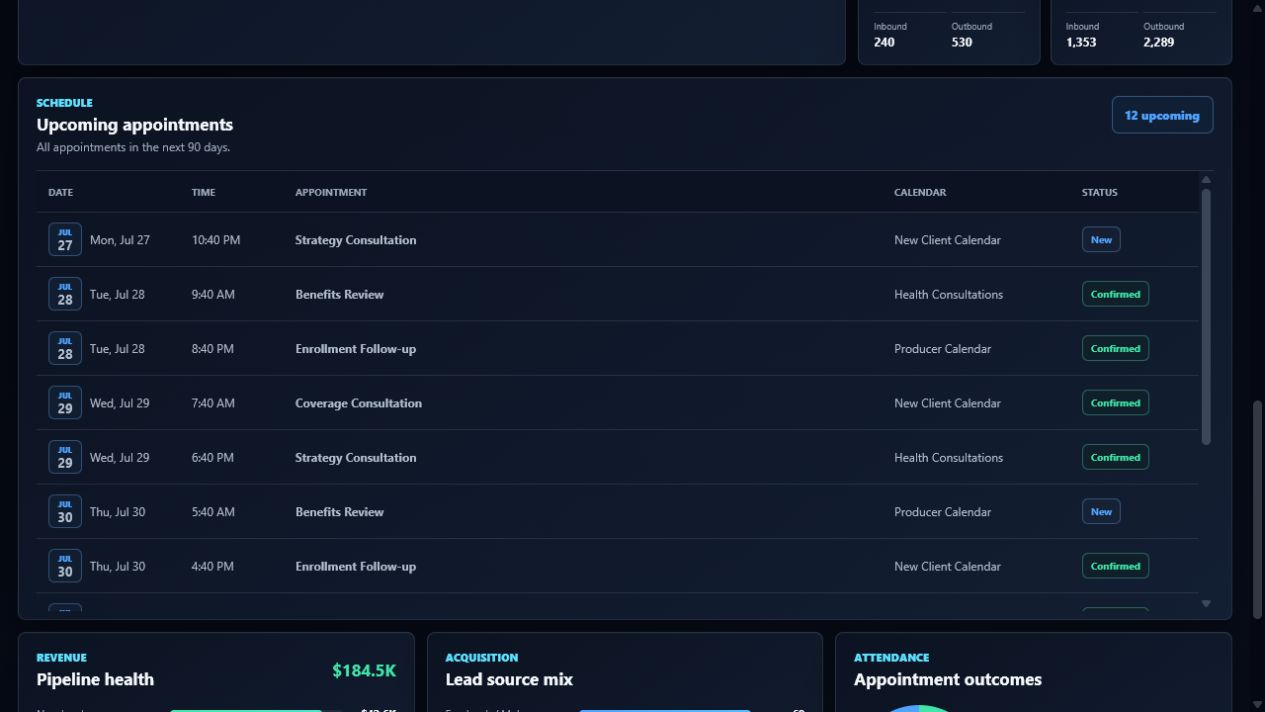
Simple for clients. Useful for your team.
The client-facing dashboard is separate from the workspace where your team manages account connections, templates, and access. That separation keeps the embed focused while giving your agency the controls it needs.
See the workflowDashboard families
Agency reporting
Pipeline, appointments, revenue, and follow-up

Flexible reporting
Contacts, tags, and pipeline
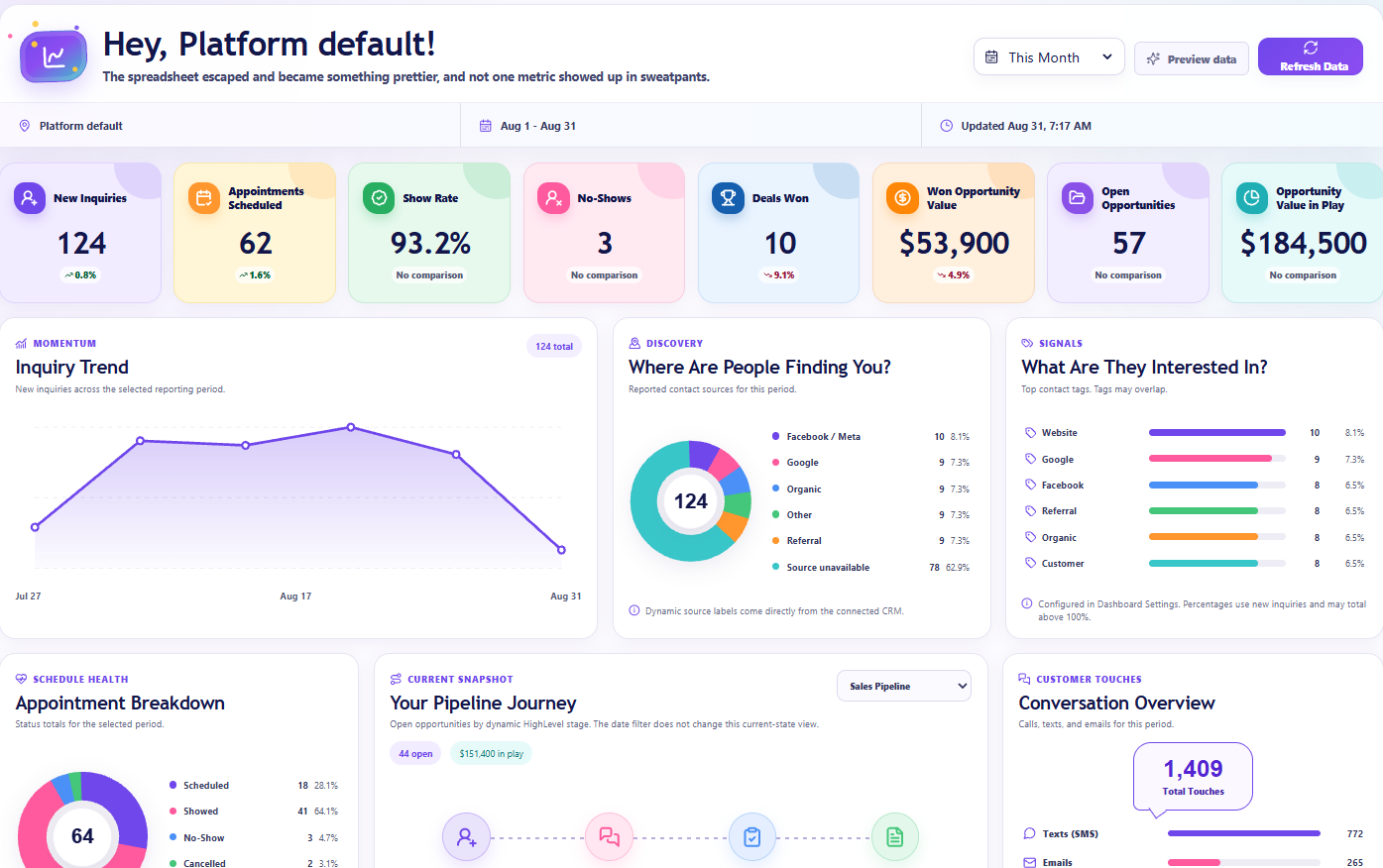
Creative reporting
Inquiries, appointments, pipeline, and customer activity
See the difference
Agency Dash Pro adds the reporting layer that helps a finished HighLevel account feel intentional, branded, and ready to hand off.
| What changes | Native HighLevel dashboard | Agency Dash Pro dashboard |
|---|---|---|
| First impression | A familiar starting point shared across HighLevel accounts. | A polished, client-ready front door for the account. |
| Reporting experience | Standard widgets and reporting views that need to be assembled around the account. | A curated dashboard with clear KPIs, visual trends, pipeline health, appointments, and activity in one view. |
| Brand presence | A dashboard that looks like the broader platform experience. | A template experience with color settings that can feel at home with the company’s brand. |
| Client conversations | Teams spend time explaining where to find the numbers that matter. | The most useful metrics have a clear, consistent place for check-ins and reporting conversations. |
| Delivery workflow | Build and arrange the reporting view inside each account. | Connect the account, choose a dashboard, and place one stable embed in the HighLevel dashboard widget. |
| Ongoing experience | A functional dashboard that can blend into the rest of the CRM. | A dashboard clients recognize, return to, and associate with the service you deliver. |
Questions, answered
Each connected HighLevel account can have one custom, client-facing embedded dashboard URL. Copy its iframe code into the HighLevel dashboard widget, and the dashboard will seamlessly display the latest published metrics in the client experience.
No. Agency Dash Pro is designed for reporting. It requests read-only CRM scopes and does not request permissions to edit contacts, opportunities, calendars, or conversations.
Data refreshes through managed background work. The dashboard displays the most recently published reporting snapshot so client-facing pages stay responsive without making live CRM calls in the browser.
Yes. Authorized source managers can permanently disconnect an account. This invalidates the associated embed and removes the connected credential, reporting snapshot, source settings, and related sync state.
A unique active HighLevel client account or location counts as one connected account. Each connected account includes one custom embedded dashboard URL, and that dashboard does not add a second account to your plan.
No. Agency Dash Pro is an independent application built for agencies that use HighLevel. HighLevel trademarks belong to their respective owners.
A clearer reporting handoff
Connect an authorized HighLevel account, select a polished dashboard, and embed it where your clients already work.